
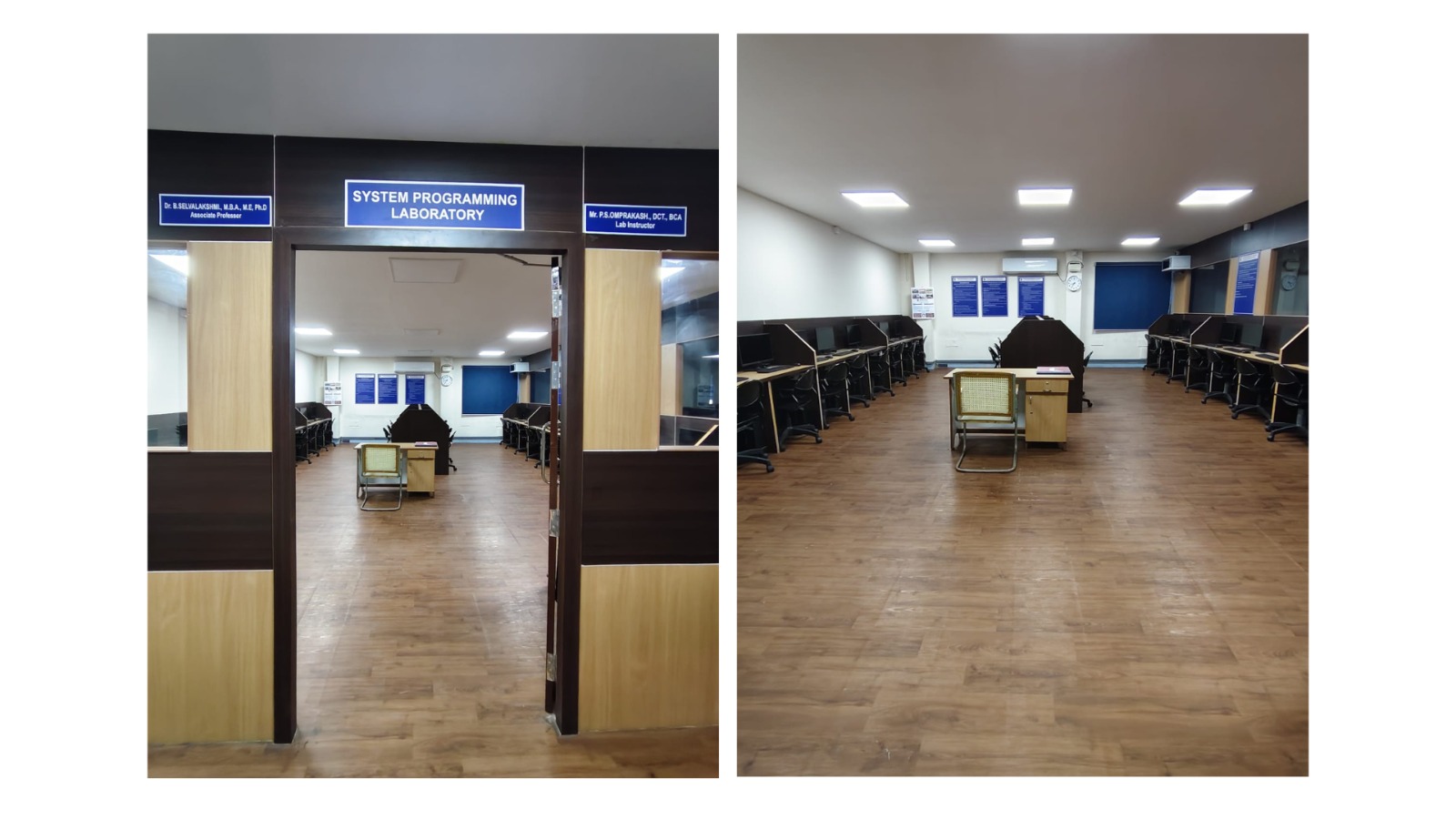
System Configuration:
Intel Processor i7-12700 GigaByte MB H610 M-H, Crucial RAM DDR4 16GB, Crucial Micron SSD BX500, 480GB, Samsung Monitor 22” LED, Fingers Cabinet With SMPS, Dell Usb keyboard and Dell Usb Mouse
Software:
Operating System: Windows 11
Software Used: Python 3.10.4, JDK 17.0.4, Anaconda Navigator, ArgoUml
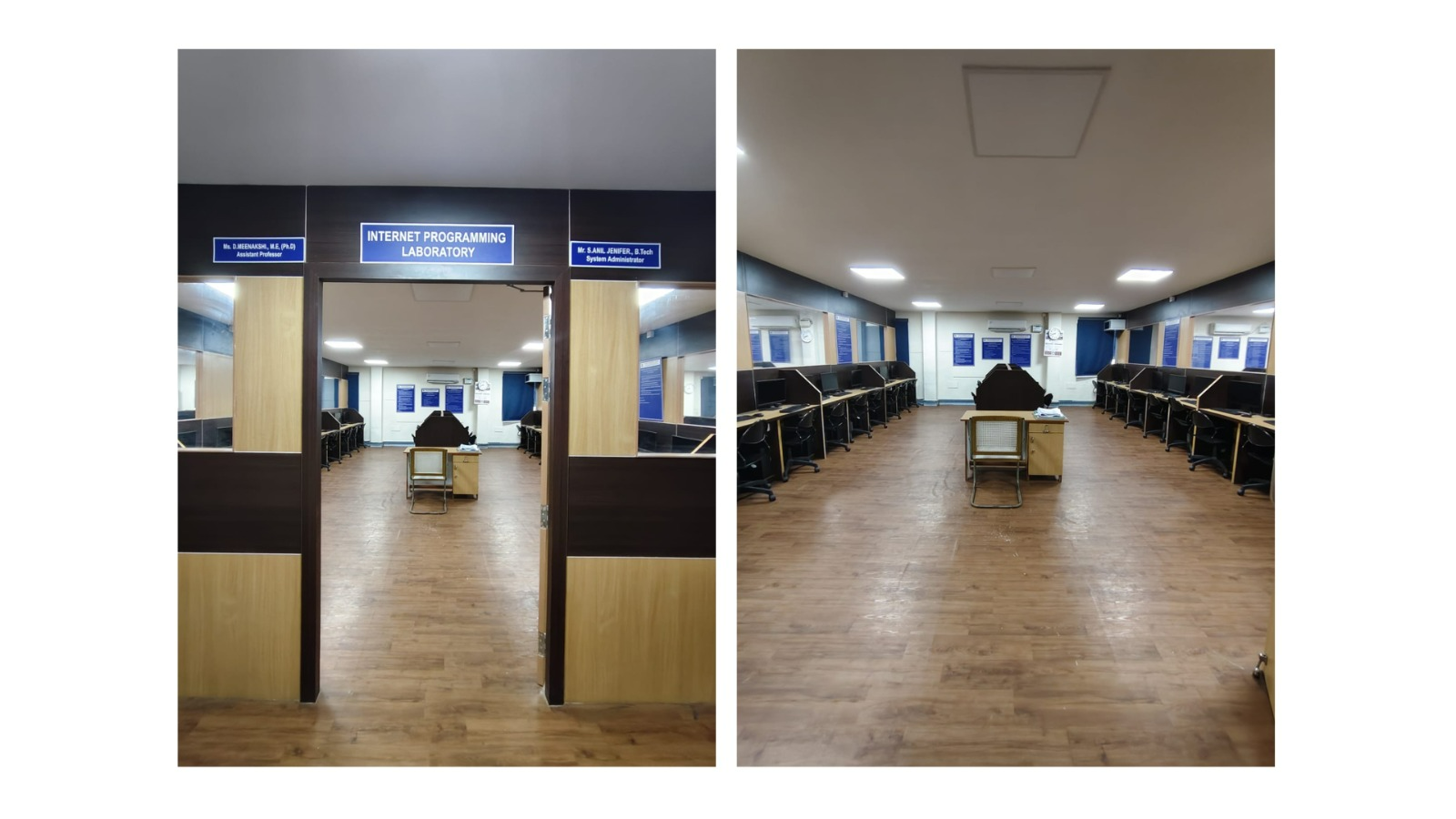
System Configuration:
Intel Processor i7-12700 GigaByte MB H610 M-H, Crucial RAM DDR4 16GB, Crucial Micron SSD BX500, 480GB, Samsung Monitor 22” LED, Fingers Cabinet With SMPS, Dell Usb keyboard and Dell Usb Mouse
Software:
Operating System: Windows 11
Software Used: Python 3.10.4, JDK 17.0.4, Anaconda Navigator, Turbo C3
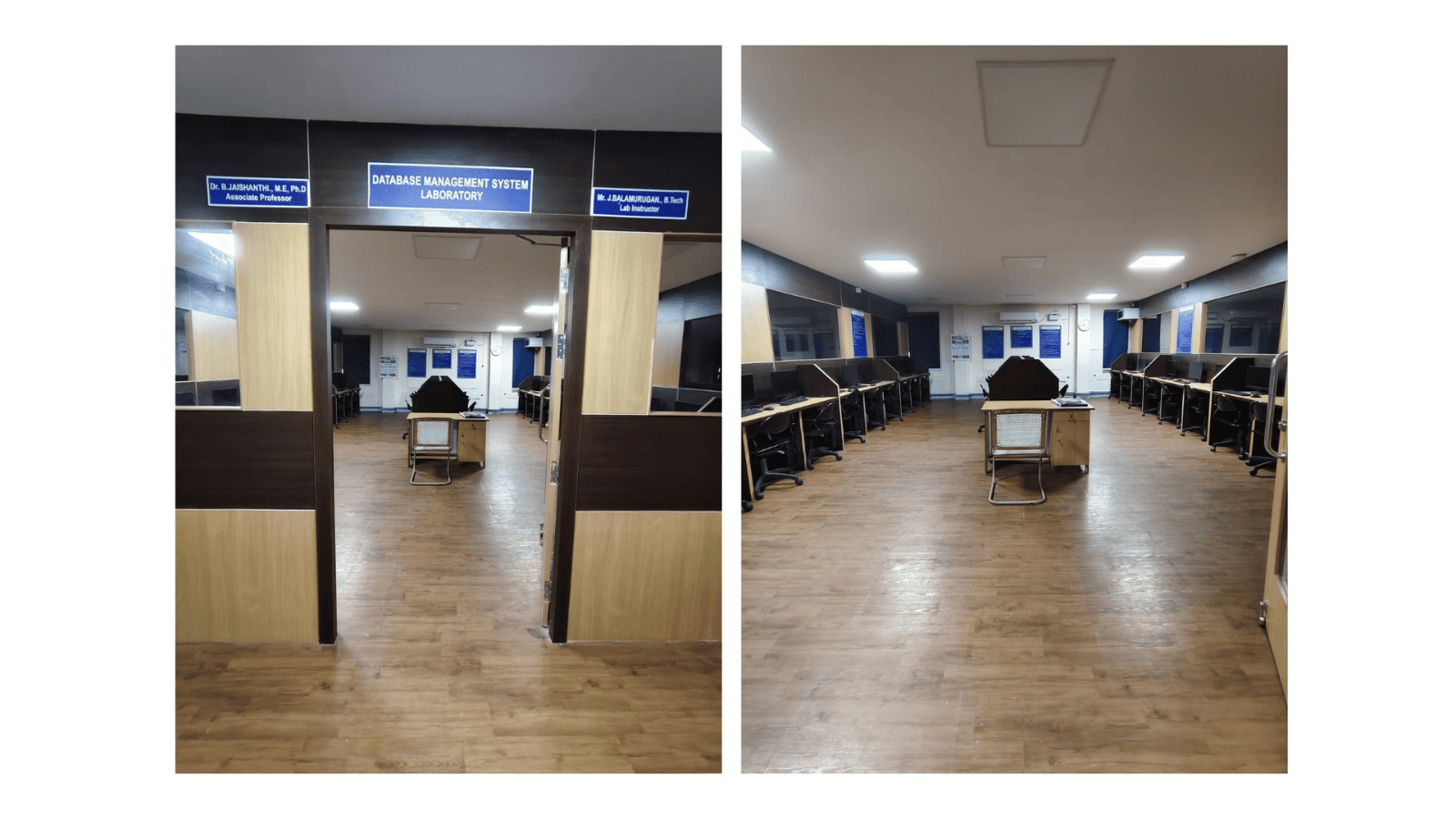
System Configuration:
Intel Processor i7-12700 GigaByte MB H610 M-H, Crucial RAM DDR4 16GB, Crucial Micron SSD BX500, 480GB, Samsung Monitor 22” LED, Fingers Cabinet With SMPS, Dell Usb keyboard and Dell Usb Mouse
Software:
Operating System: Windows 11
Software Used: Mysql 5.7, Python 3.10.4, Flimora
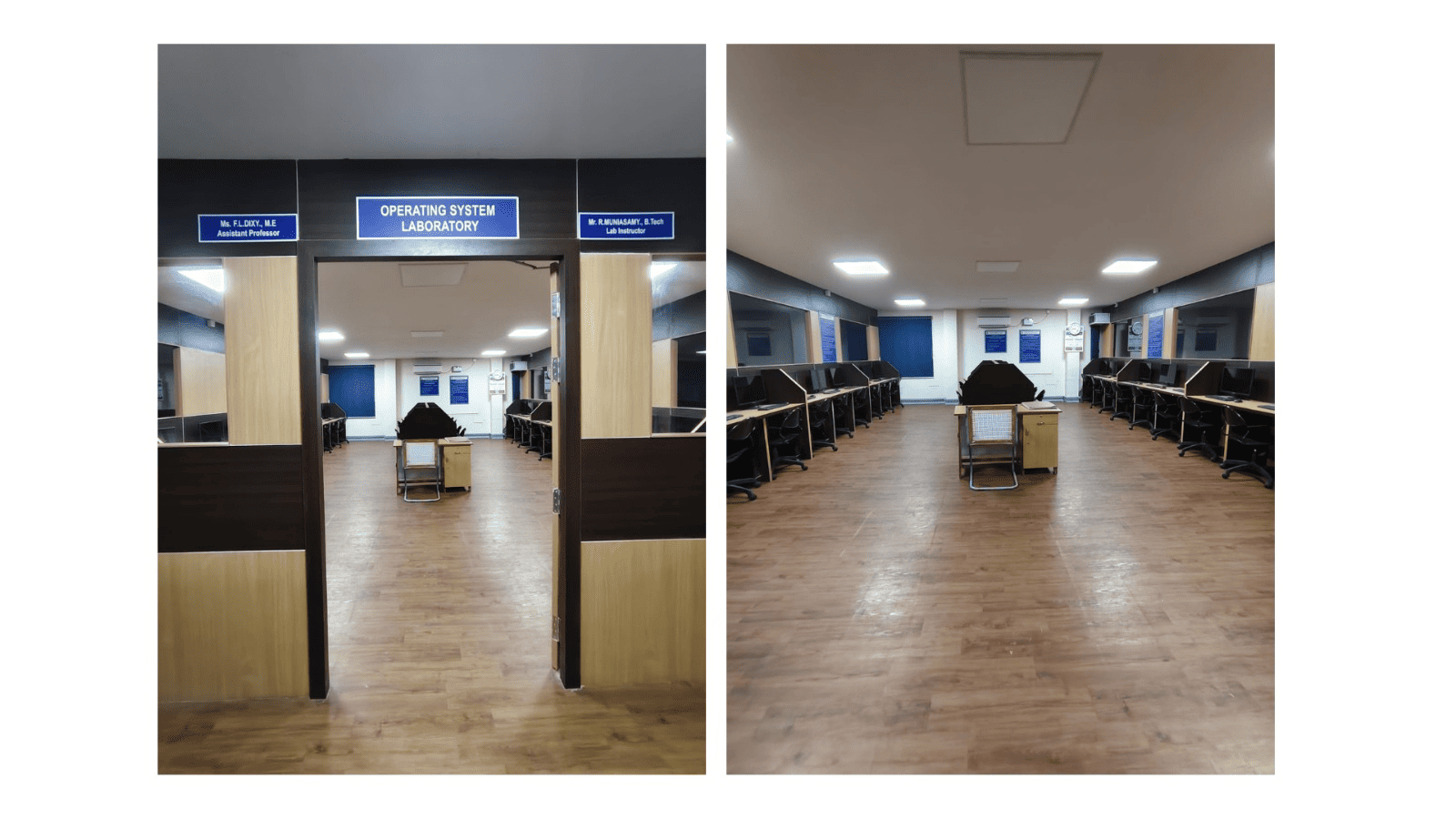
System Configuration:
Intel Processor i5-11400 GigaByte MB H510 M-H, Crucial RAM DDR4 8GB, Crucial Micron SSD BX500, 480GB, Dell Monitor 20” LED D2020H, Fingers Cabinet With SMPS, Turbo Mini Dell Usb keyboard and Dell Usb Mouse
Software:
Operating System: Windows 11
Software Used: ArgoUml, Virtual box 7.0 (UBUNTU 25.0)
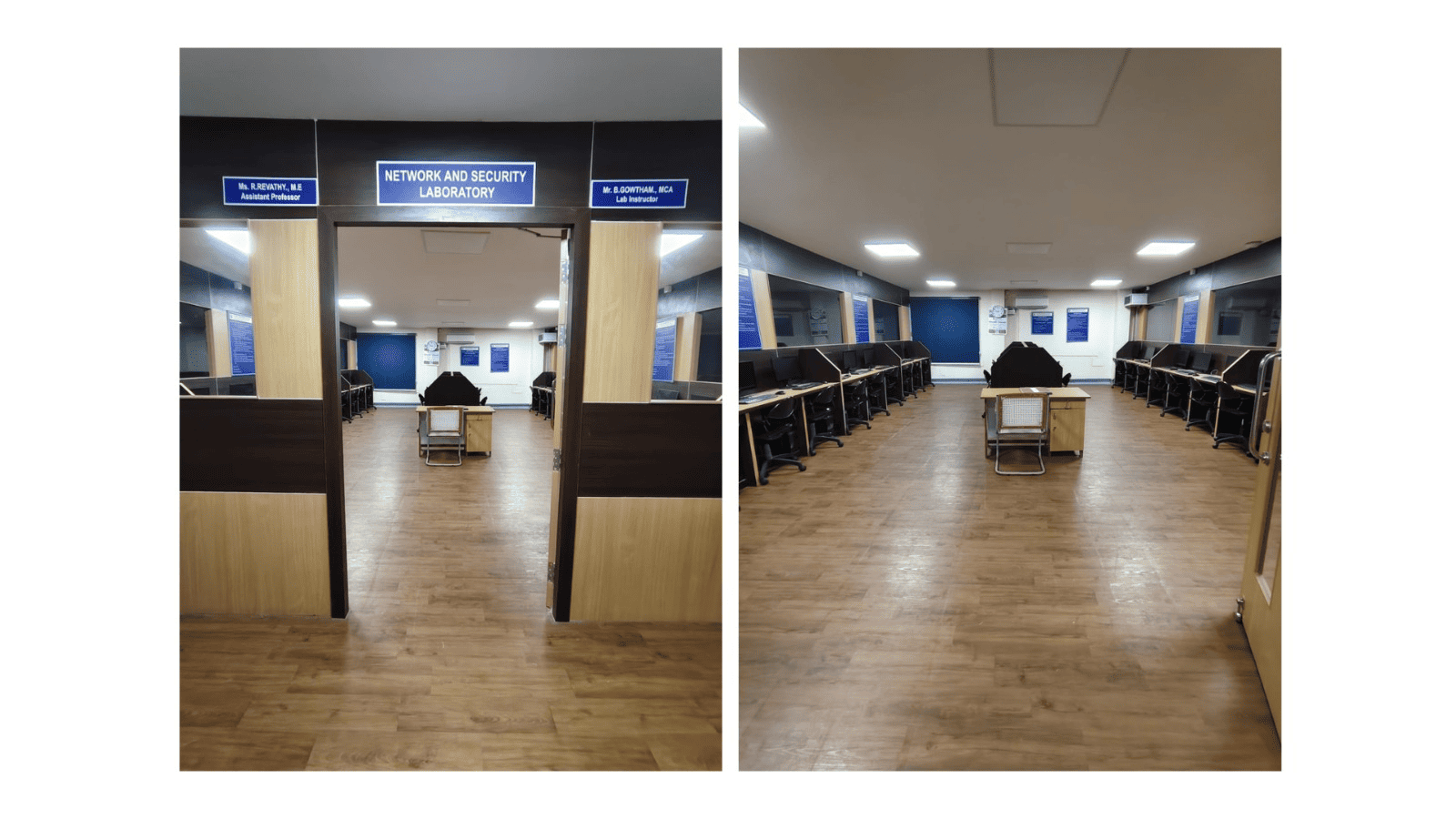
System Configuration:
Intel Processor i5-11400 GigaByte MB H510 M-H, Crucial RAM DDR4 8GB, Crucial Micron SSD BX500, 480GB, Dell Monitor 20” LED D2020H, Fingers Cabinet With SMPS, Turbo Mini Dell Usb keyboard and Dell Usb Mouse.
Software:
Operating System: UBUNTU 25.04
Software Used: JDK 17.0.4, NS 2.34
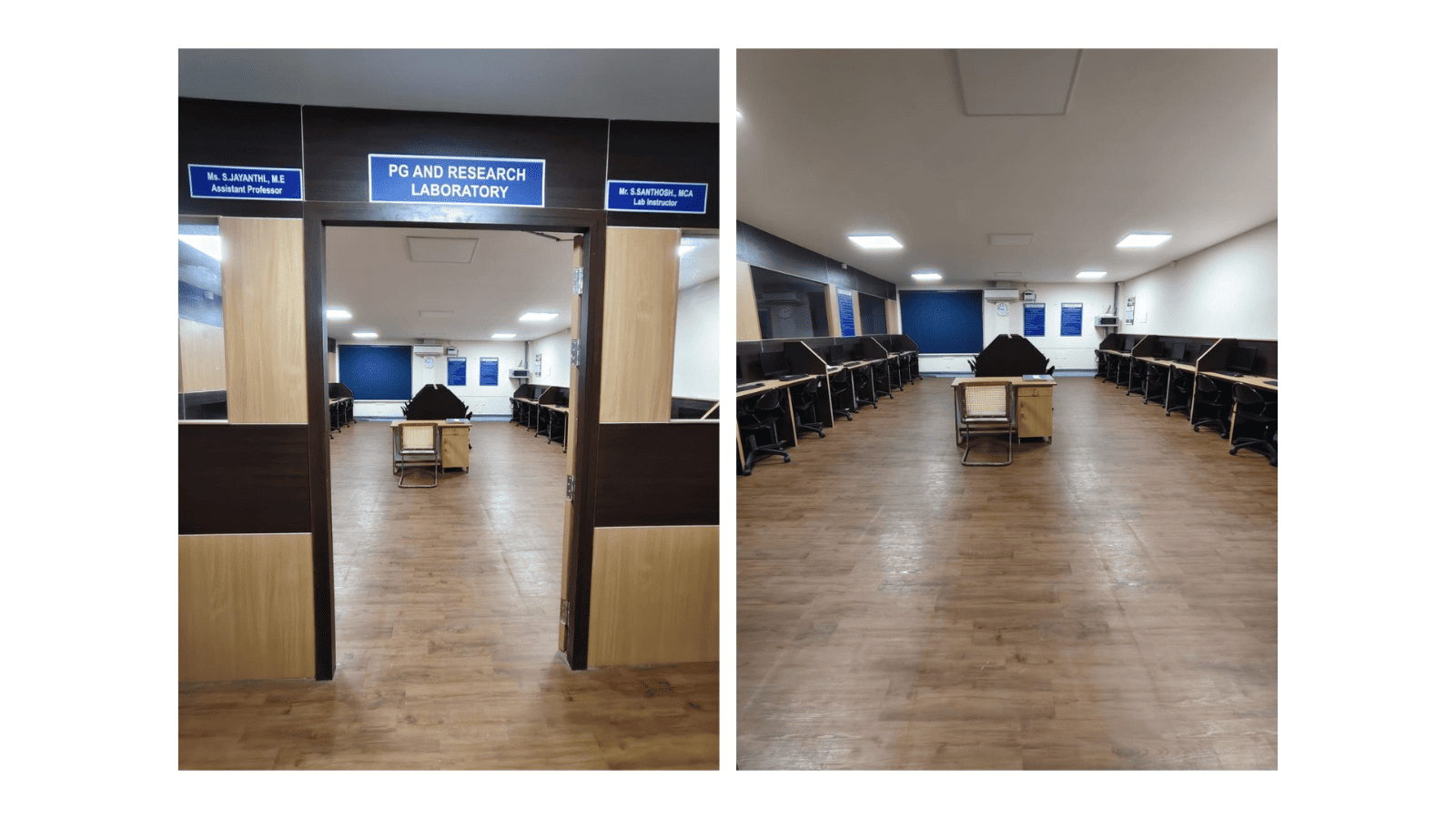
System Configuration:
Intel Processor i5-11400 GigaByte MB H510 M-H, Crucial RAM DDR4 8GB, Crucial Micron SSD BX500, 480GB, Dell Monitor 22” LED D2020H, Fingers Cabinet With SMPS, Turbo Mini Dell Usb keyboard and Dell Usb Mouse.
Software:
Operating System: UBUNTU 25.04
Software Used: JDK 17.0.4, GCC, UMLet 15.0.0,
The labs furnished with individual slots for each desktop has a centralized Air Conditioning system to maintain the operating temperature and reduce the dust accumulation. The network switches are housed under 4U rack, and the network connections are professionally commissioned to individual desktops for Inter and Intra Network access
| SI.No | Equipment Name | Details of Daily Maintenance | Once in a Month | Bi-Monthly |
|---|---|---|---|---|
| 1 | Personal Computer | Checking the Working Condition and Cleanliness | Defragmentation, Deleting Temporary Files (Windows, Browser and so on) | Uninstallation of Unwanted Software and Review of Installed Software |
| 2 | Laser Printers | Checking the Working Condition and Cleanliness | Checking the Ribbon Impression Condition | Cleaning the Internal Components and Testing the Operational Status of the printer |
| 3 | Projector | Checking the Working Condition | Checking the Resolution | Calibrating the Color and Other Aspects |
| 4 | Air Conditioner | Checking the Working Condition | Air Quality and odour Testing | Cleaning the Filter and Checking the Operating Condition |
| 5 | Keyboard & Mouse | Checking the Working Condition and Cleanliness | Identification of Faulty Components | Checking the Wear and Tear of the Equipment |
| 6 | Internet / Ports & Switches | Checking for connectivity | Identification of faults | Identification of faults |
| 7 | Server Maintenance | Checking the Working Condition and Cleanliness Log Checking | Maintenance by System Admin for OS Updates | Maintenance by System Admin for OS Updates |
Overall Ambiance
| SI.No | Laboratory Name | Safety Measures |
|---|---|---|
|
1 |
System Programming Laboratory |
First Aid Kit, Fire Extinguishers, Instruction Board for Do’s and Don'ts |
|
2 |
Internet Programming Laboratory |
First Aid Kit, Fire Extinguishers, Instruction Board for Do’s and Don'ts |
|
3 |
Database Management Laboratory |
First Aid Kit, Fire Extinguishers, Instruction Board for Do’s and Don'ts |
|
4 |
Operating Systems Laboratory |
First Aid Kit, Fire Extinguishers, Instruction Board for Do’s and Don'ts |
|
5 |
Network And Security Laboratory |
First Aid Kit, Fire Extinguishers, Instruction Board for Do’s and Don'ts |
|
6 |
PG and Research Laboratory |
First Aid Kit, Fire Extinguishers, Instruction Board for Do’s and Don'ts |
Project laboratory is to provide a practical and creative space for faculty and students with various software. This Laboratory offers the opportunity to gain valuable hands-on experience with state-of-the- art environment where the faculty members and students become proficient in both the physical and creative skills needed in the field of Information Technology
Students and faculty members are encouraged to utilize additional facilities available in the laboratories.
Students are encouraged to do mini-projects with the facilities available in the laboratories.
The department library is equipped with books, NPTEL videos and project reports to assist students in their research projects.
Project laboratory can be utilized after working hours for the benefit of students, faculty members and research scholars.
Students are motivated to access periodical magazines and e-journals related to electronics and communication available in the library to gain deep insights to help them in their areas of interest.
Students are trained to incorporate transferable skills for redesigning the experiments.
Video lectures are given to the students to demonstrate all experiments along with step-by-step explanations.

